Automation · 0:40
Google Sheets to QR codes, automatically
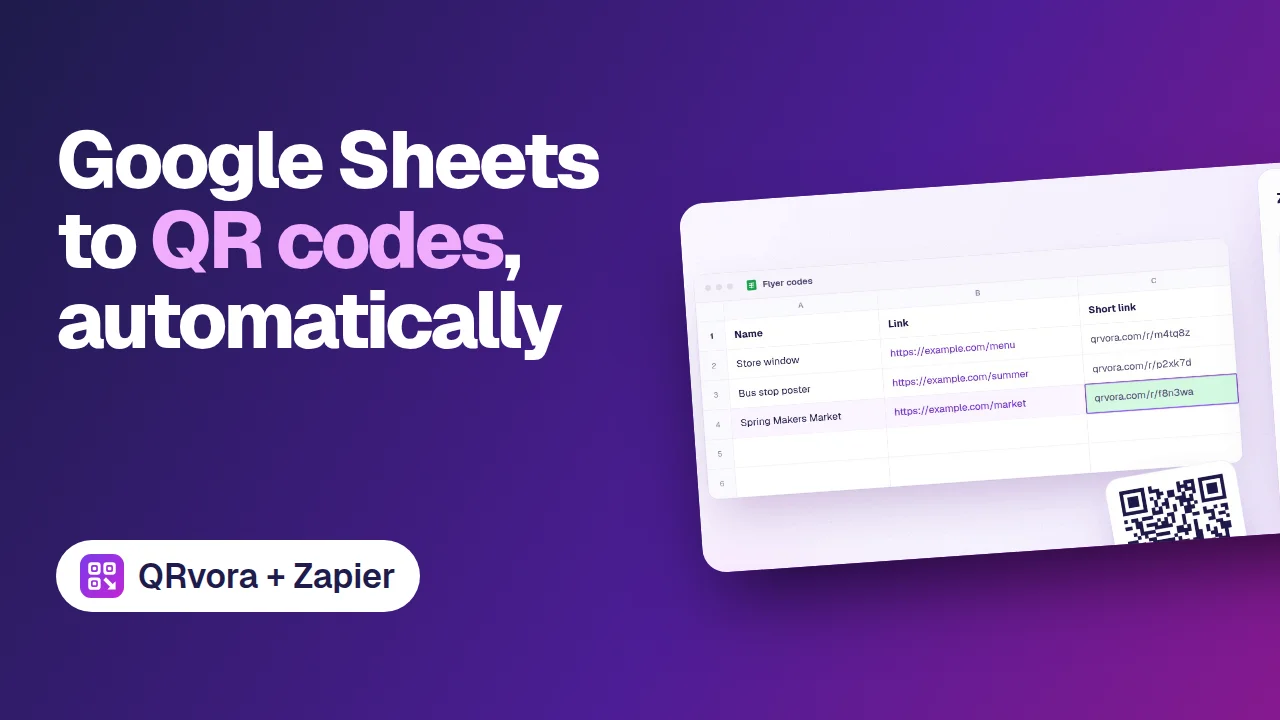
Add a row to a Google Sheet, and Zapier creates a dynamic QR code for it in QRvora, then writes the short link back into the row.
What you'll learn
- How the three Zap steps fit together
- Which sheet columns the Zap uses
- How the short link gets back into your sheet
Transcript
Making QR codes one at a time gets old fast.
Here's an easier way. Add a row to a Google Sheet: a name, and the link the code should open.
Zapier picks up the new row,
and asks QRvora to create a dynamic QR code for it.
Then the short link is written straight back into your sheet.
Print the code anywhere. Every scan opens your link, and you can change where it points later, without reprinting.
Every new row becomes a QR code. Search for QRvora in Zapier to set it up.
More tutorials
 1:26Getting startedQR codes you can change after printingA tour of QRvora in 86 seconds: the 15 dynamic types, the page builder, design and print files, changing a link after printing, smart rules, analytics and automation.
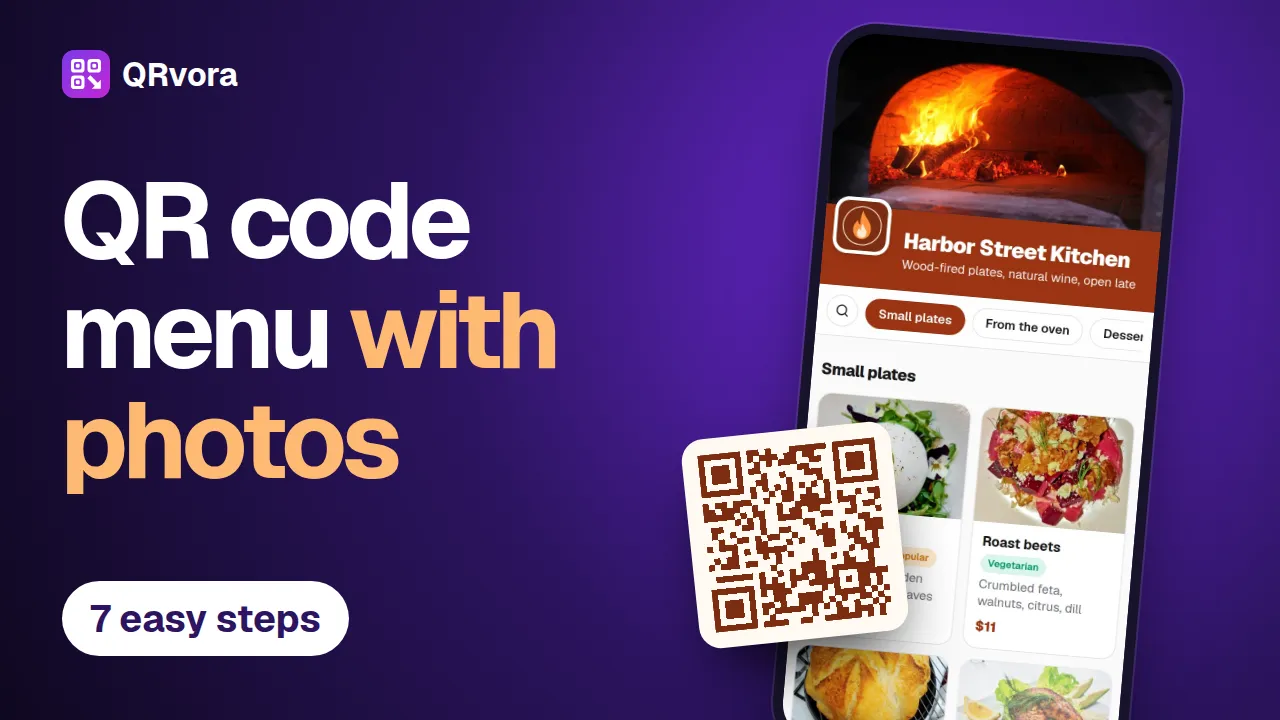 3:13Menus and restaurantsMake a QR code menu with photosBuild a restaurant menu in seven steps, from an empty account to a printed table card: dishes, photos, prices, tags, your branding and a QR code that's ready to print.
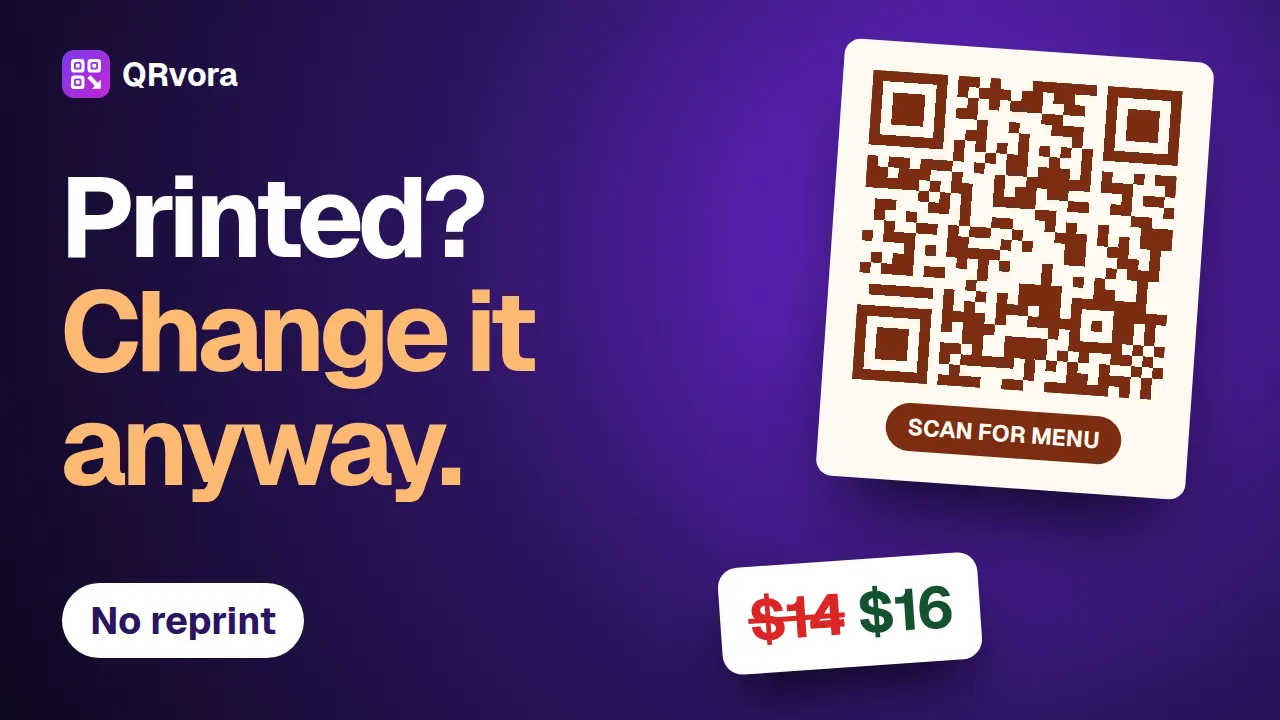 2:34Editing and printingChange a QR code after printingChange a price, a dish or a website link behind a printed QR code, and keep the code you printed. Six steps, and the mistakes that cost a reprint.
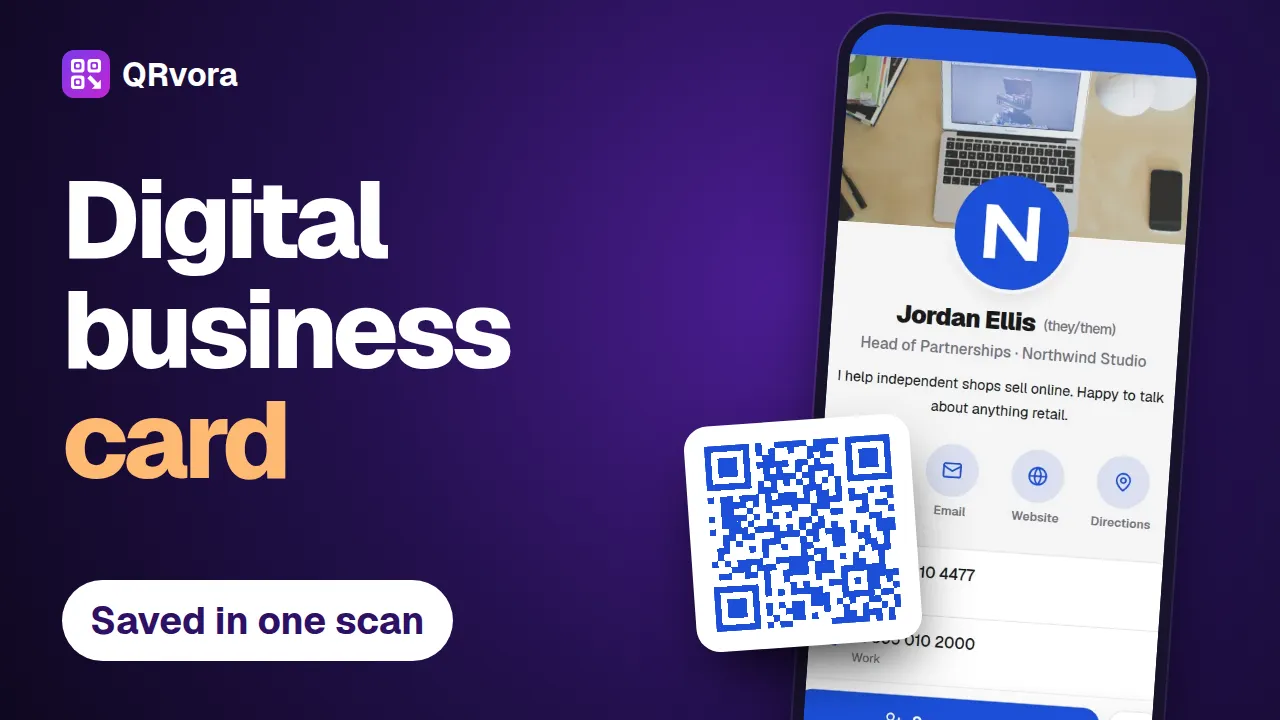 2:56Business cards and contactsMake a digital business card with a QR codeBuild a digital business card in seven steps, put the QR code on your printed card, and let people save your details to their phone with one scan.
 2:30Weddings and eventsMake a wedding RSVP QR codePut a QR code on your wedding invitations. Guests scan it, see your invitation and reply in a few taps, and every answer lands in one list you can download for your venue.