Getting started · 1:26
QR codes you can change after printing
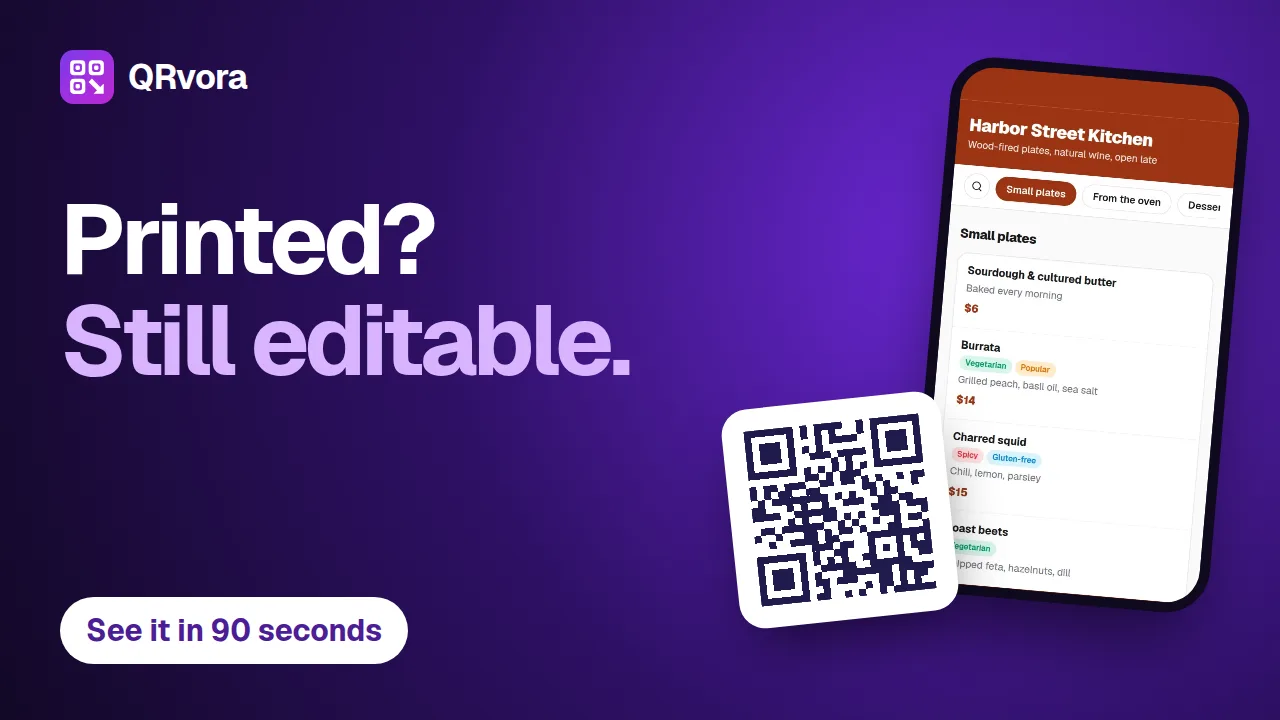
A tour of QRvora in 86 seconds: the 15 dynamic types, the page builder, design and print files, changing a link after printing, smart rules, analytics and automation.
What you'll learn
- Why a dynamic code saves a reprint
- Which pages a code can open
- How to design a code and download it for print
- How to send different scanners to different places
Transcript
Five hundred menus, printed. Then the prices change.
With a normal QR code, that means printing them all again.
With QRvora, you just edit it. Dynamic codes stay editable, even after they're printed.
Pick from fifteen types: a website link, a restaurant menu, a digital business card, an event, a coupon, and more.
Build the page in your dashboard, and watch the live preview update as you go.
Add your colors, a logo and a frame, then download it for print as a PNG, SVG, PDF or JPG.
Need a change? Update the link, press save, and the same printed code opens the new page.
On Pro and Business, smart rules send people to different places from one website code: by device, country, language, time or date.
Paid plans show you what's working, with scans, unique visitors, cities and devices.
From Starter up, create up to a hundred codes at a time, or connect Zapier and our API.
Start free, with no card needed. Pay monthly with no contract, and if you cancel, your codes keep working for thirty days after your plan ends.
QRvora. Print it once, change it any time.
More tutorials
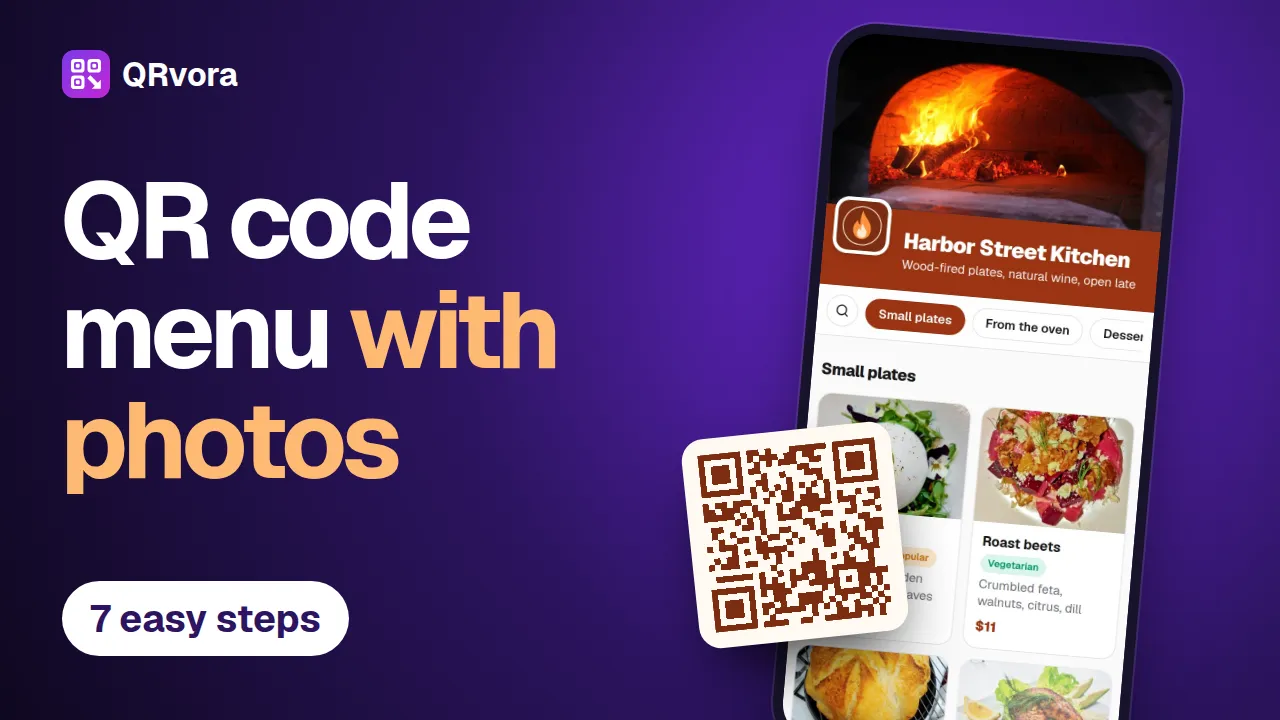 3:13Menus and restaurantsMake a QR code menu with photosBuild a restaurant menu in seven steps, from an empty account to a printed table card: dishes, photos, prices, tags, your branding and a QR code that's ready to print.
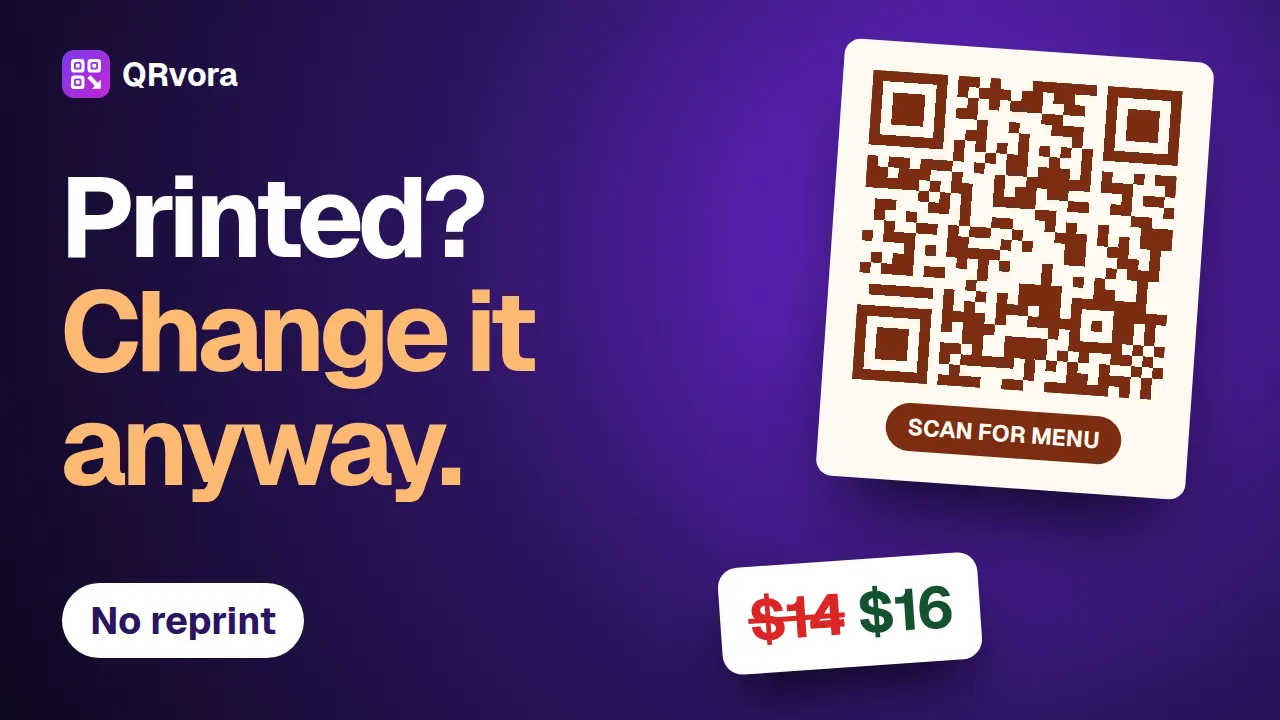 2:34Editing and printingChange a QR code after printingChange a price, a dish or a website link behind a printed QR code, and keep the code you printed. Six steps, and the mistakes that cost a reprint.
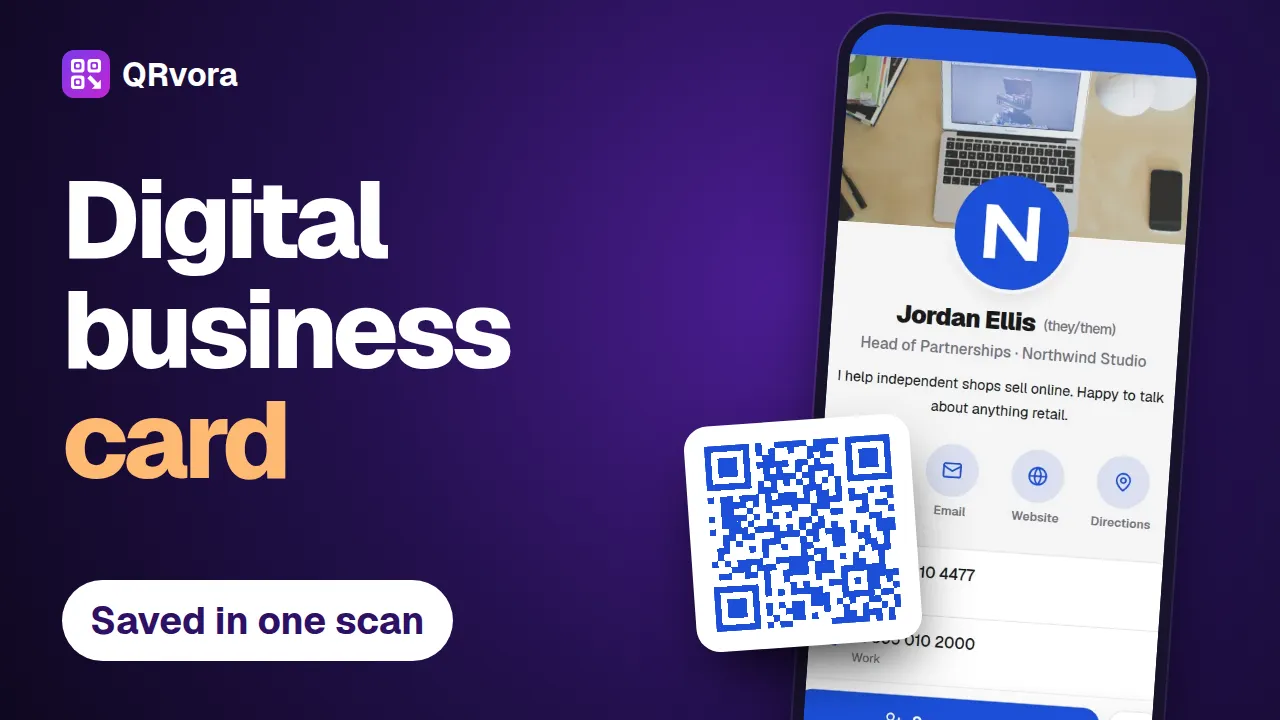 2:56Business cards and contactsMake a digital business card with a QR codeBuild a digital business card in seven steps, put the QR code on your printed card, and let people save your details to their phone with one scan.
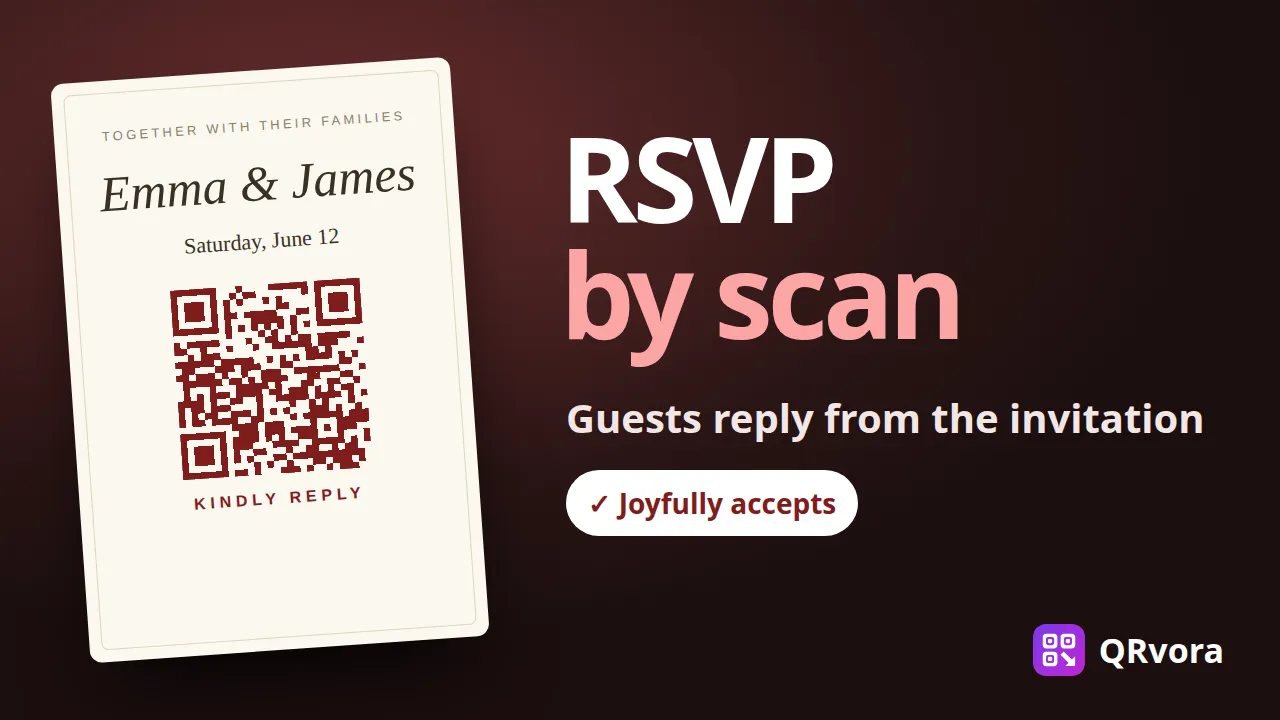 2:30Weddings and eventsMake a wedding RSVP QR codePut a QR code on your wedding invitations. Guests scan it, see your invitation and reply in a few taps, and every answer lands in one list you can download for your venue.
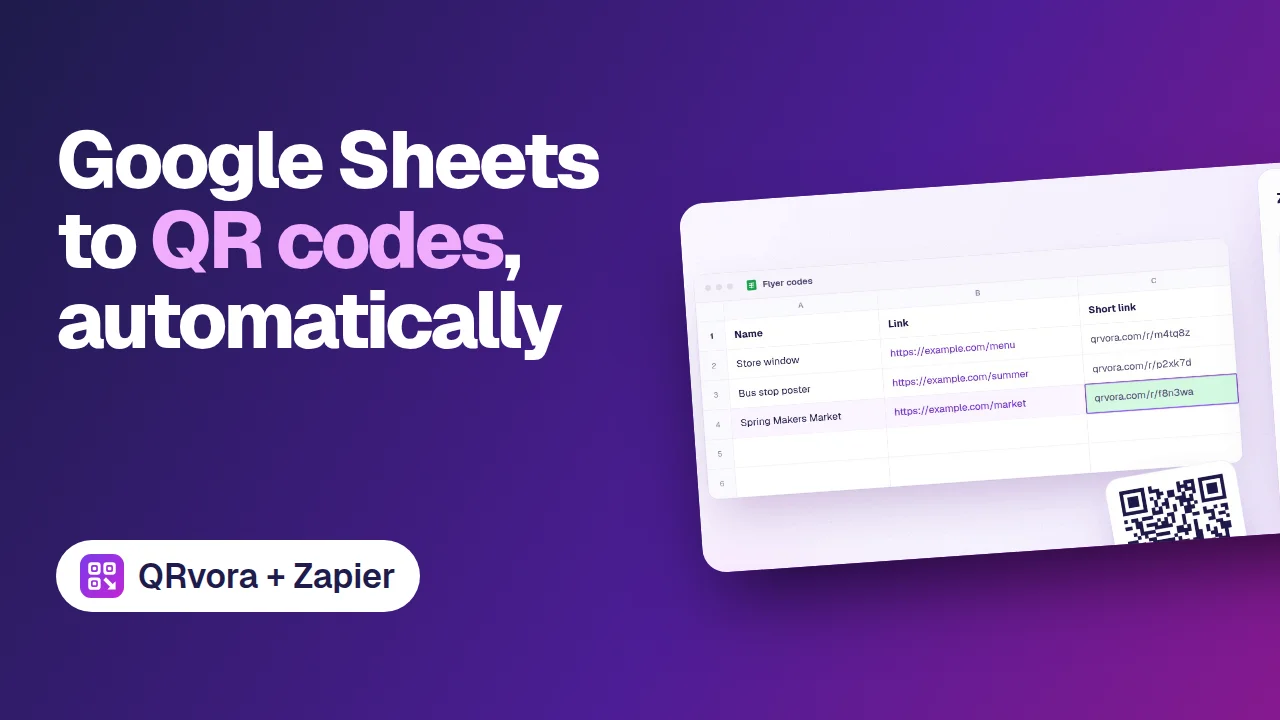 0:40AutomationGoogle Sheets to QR codes, automaticallyAdd a row to a Google Sheet, and Zapier creates a dynamic QR code for it in QRvora, then writes the short link back into the row.