Google review QR code
The best moment to ask for a review is while the customer is happy: at the table, at checkout, or when they open the parcel. A Google review QR code takes them straight to the box where they write the review, so nobody has to search for your business first. Print it on review cards, a stand by the till, a sticker on the door or the bottom of a receipt.
Complete the content
In your Google Business Profile, choose Ask for reviews and copy the link. No profile access? Use your Place ID.
Design your QR
Download your QR
Add your link above to download this code.
Static codes never expire. The link lives in the pattern, so there's nothing to switch off. No account needed.
For scan analytics and editable links, see plans.
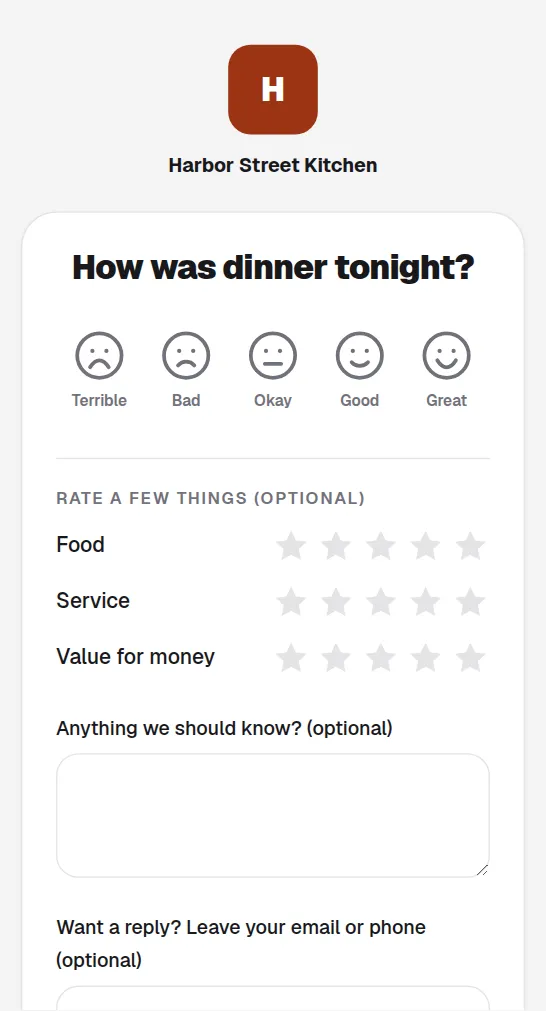
What happens when someone scans it

Harbor Street Kitchen
Flat white 4.20 · Croissant 3.80
Enjoyed it? Leave us a review
Ask at the peak moment
Place it on the receipt or table tent so the request lands while a good experience is still fresh.
One scan to the review box
The camera takes them straight to the review form, with no searching your business name first.
Track which spot works
Analytics show whether the counter, the receipt or the bag drives the most scans, so you can print more where it works.
Common questions
Does this break Google's review policy?+
Asking every customer for honest feedback is fine. Google forbids gating: rewarding only positive reviews or filtering out unhappy customers.
Can I change where it points later?+
Yes. A dynamic code lets you switch from Google to another platform, or to a private feedback page, without reprinting anything.
Where do I find my Google review link?+
In your Google Business Profile, choose "Ask for reviews" (or "Get more reviews") and copy the link it shows. Paste it into the generator above. Your Place ID works too: it starts with ChIJ, and we turn it into Google's own write-a-review link.
Is a Google review QR code free?+
Yes. The plain code is free, needs no account and never expires, because the review link sits in the printed pattern. Make it dynamic if you want scan counts or the option to change the link later.
What should I print it on?+
Whatever customers see when they're happiest. Review cards slipped into orders, a small stand or plaque by the till, a sticker on the door or table, and a line at the bottom of the receipt all work. Keep the code at least 2 cm wide with a short line next to it, like "Enjoyed your visit? Leave us a review".