QR codes for app downloads
Two app stores, one printed code. An app-download code points to a smart link that detects the phone and sends iPhone users to the App Store and Android users to Google Play. A single code on your poster or packaging works for everyone, and you can track installs by source.
Complete the content
Design your QR
Download your QR
Add your link above to download this code.
Static codes never expire. The link lives in the pattern, so there's nothing to switch off. No account needed.
For scan analytics and editable links, see plans.
What happens when someone scans it

Get our app
Order ahead
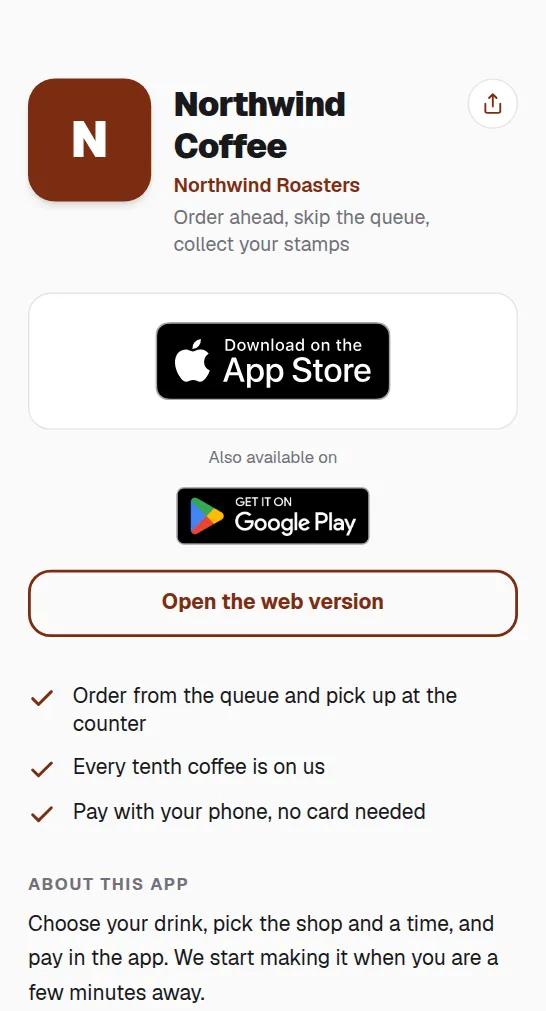
One code, both stores
The link routes by device on its own, so you avoid two separate codes cluttering your design.
Attribute your offline installs
Scan analytics reveal which flyer, ad or event drives downloads.
Update the link, not the print
A new app, a new store listing or a web fallback is one edit away, with no reprint.
Common questions
How does one code reach two app stores?+
Point the dynamic code at a smart link or small landing page that redirects by operating system, sending iOS to the App Store and Android to Google Play.
Can I add a web fallback for desktops?+
Yes. Send desktop scanners to your website or a "text me the link" page so no visitor hits a dead end.