QR code for restaurant menus
Print your menu code once, on tables, windows or flyers, and give guests a digital menu that opens on their phone. New prices or a sold-out dish: you edit the menu, and every printed code shows the update. Scan analytics also show you which tables and times are busiest.
Complete the content
Design your QR
Download your QR
Add your link above to download this code.
Static codes never expire. The link lives in the pattern, so there's nothing to switch off. No account needed.
For scan analytics and editable links, see plans.
What happens when someone scans it
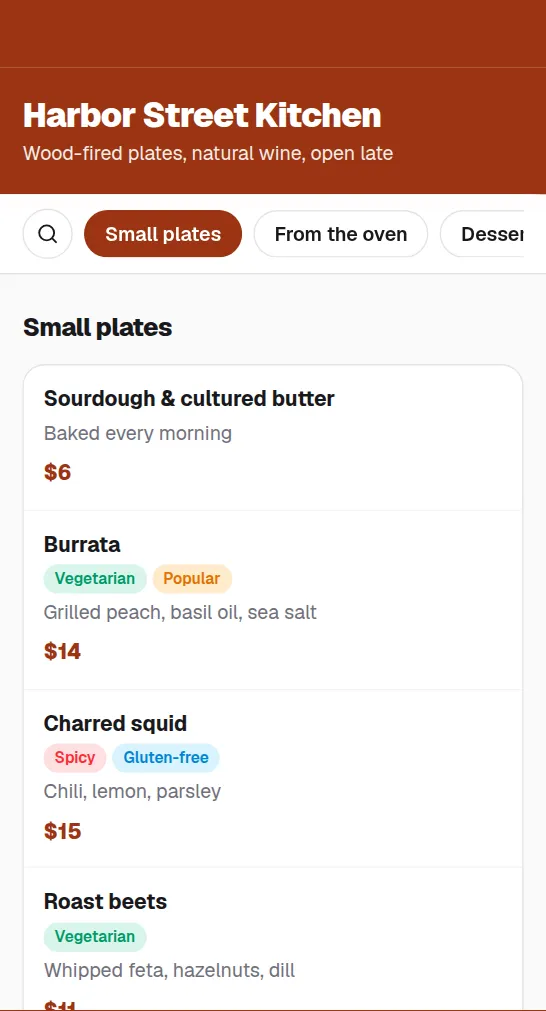
Menu
Scan to order
Update without reprinting
New prices or dishes go live from your dashboard. The printed code on every table keeps pointing to the current menu.
Faster table turns
Guests open the menu as they sit down. No wait for a physical menu, and nothing to install.
Know your peak hours
Scan analytics show when and where guests browse, so you can plan staffing and specials around real demand.
Guides
Common questions
Will my menu QR code stop working after a trial?+
The 7-day Pro trial ends without touching your codes: your account moves to Free, where your 1 dynamic code keeps redirecting for 12 months from the day you created it. A static Wi-Fi or plain-text code on the same table tent has no expiry at all.
Can I change my menu after printing the QR code?+
Yes. A dynamic code points to a short link you control, so you can update the menu page behind it in seconds, as often as you want.
Do guests need an app to scan it?+
No. Every modern phone camera reads QR codes on its own. Guests point the camera and tap the link that appears.