Editing and printing · 2:34
Change a QR code after printing
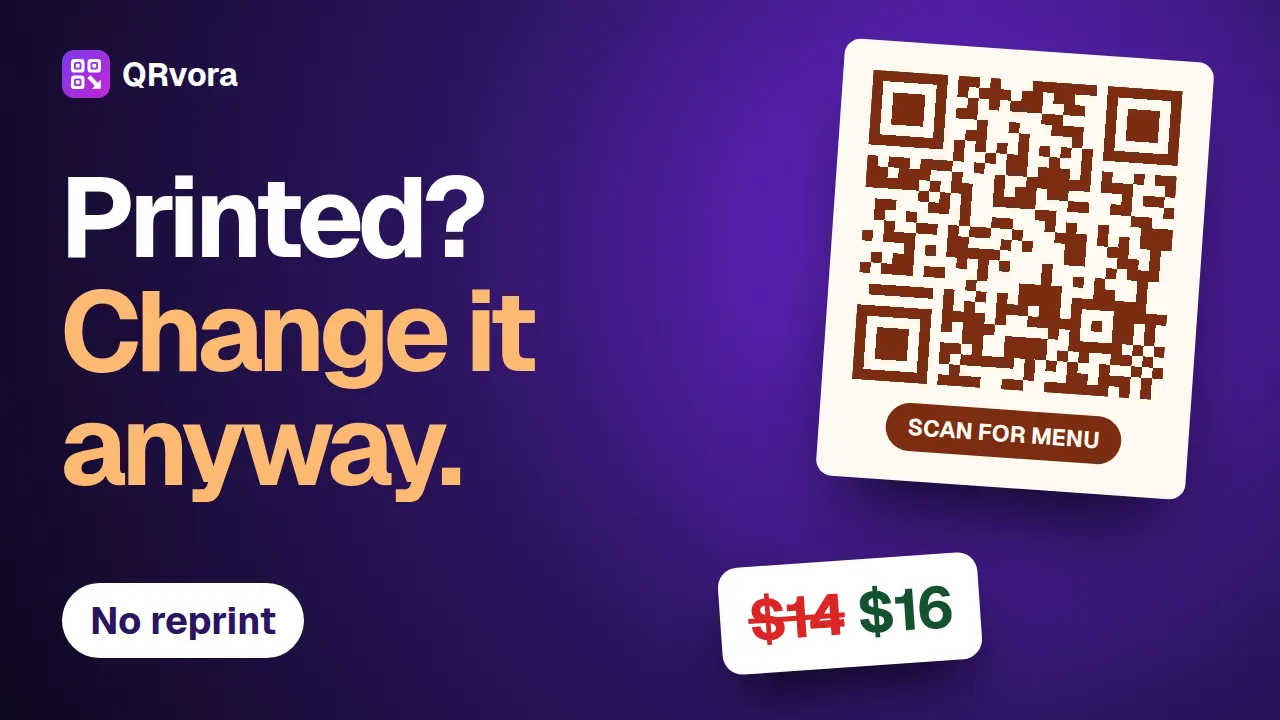
Change a price, a dish or a website link behind a printed QR code, and keep the code you printed. Six steps, and the mistakes that cost a reprint.
What you'll learn
- How to tell a dynamic code from a static one
- How to change a price, mark a dish sold out or hide a section
- How to point a printed code at a new website
- Why you should pause a printed code, never delete it
Transcript
Your table cards are printed. Then the burrata goes up by two dollars. Do you have to print them all again?
No. If your code is dynamic, you can change what it opens at any time, and the printed code stays the same. Here's how, in six steps.
Step one. Check your code is dynamic.
Open My QR Codes, and look for the word dynamic. A dynamic code holds a short link, and the page behind it lives in your account. That page is what you change.
A static code is different. Its content is stored in the pattern itself, so it can't be edited after printing.
Step two. Edit your page.
Find the code you printed. Press the three dots, then edit.
Open the dish, and change the price.
Press save. That's the whole job.
Step three. Scan the same code.
This is the same card. Nothing was reprinted. Scan it, and the new price is already there. A saved change reaches the very next scan.
Step four. Make everyday changes.
Sold out tonight? Open the dish and tick sold out. Untick it tomorrow.
Running a special? Press add item in the right section, then give it a name, a price and the new tag.
Changing with the seasons? Hide a whole section. It stays in your editor, ready for next time.
Press save, and it's all live.
Step five. Change a website link.
Some codes open a website instead of a QRvora page. Open one, and you'll see its destination.
Type the new address and save. The next scan goes there, and your scan count carries on.
Step six. Avoid the costly mistakes.
Don't delete a code that's in print. Deleting breaks every printed copy, and it can't be undone.
If you only want to stop counting scans, pause it instead. A paused code keeps working.
And keep the code active. On Free, a dynamic code lasts twelve months. On a paid plan, it lasts while your subscription runs, plus thirty days after you cancel.
So print once, and keep it up to date. Next, we'll make a digital business card that people can save to their phone.
More tutorials
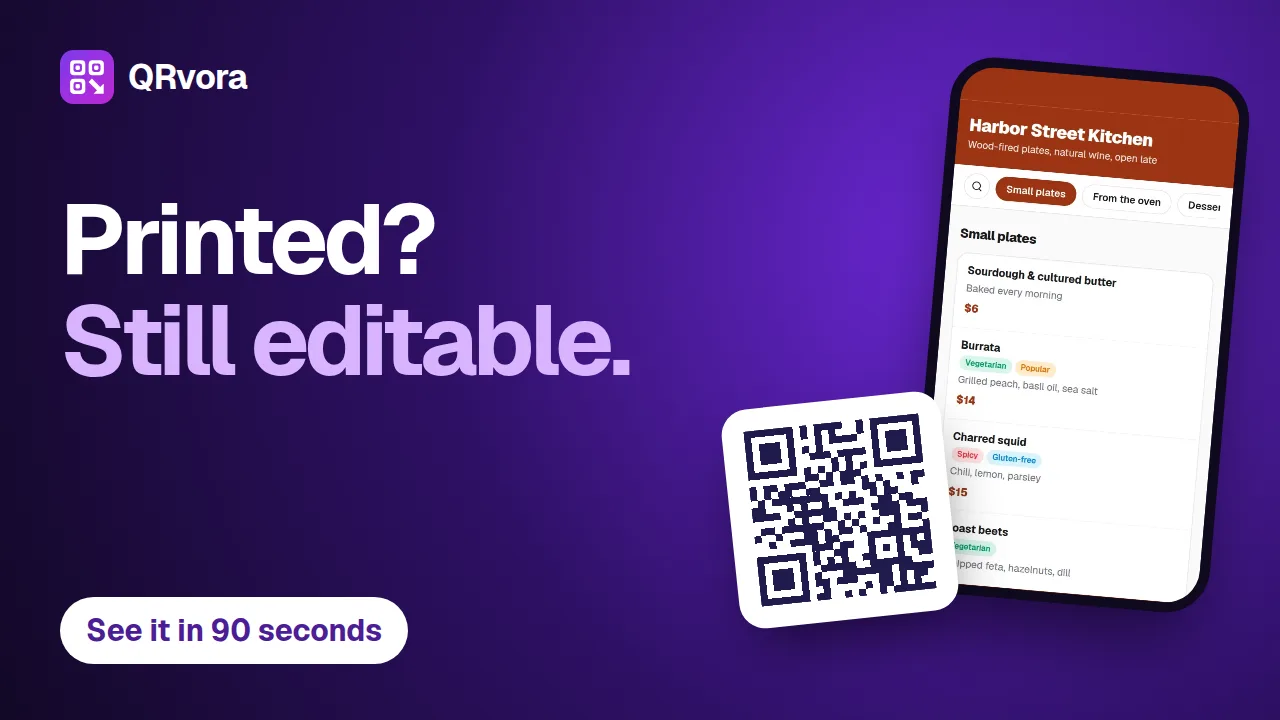 1:26Getting startedQR codes you can change after printingA tour of QRvora in 86 seconds: the 15 dynamic types, the page builder, design and print files, changing a link after printing, smart rules, analytics and automation.
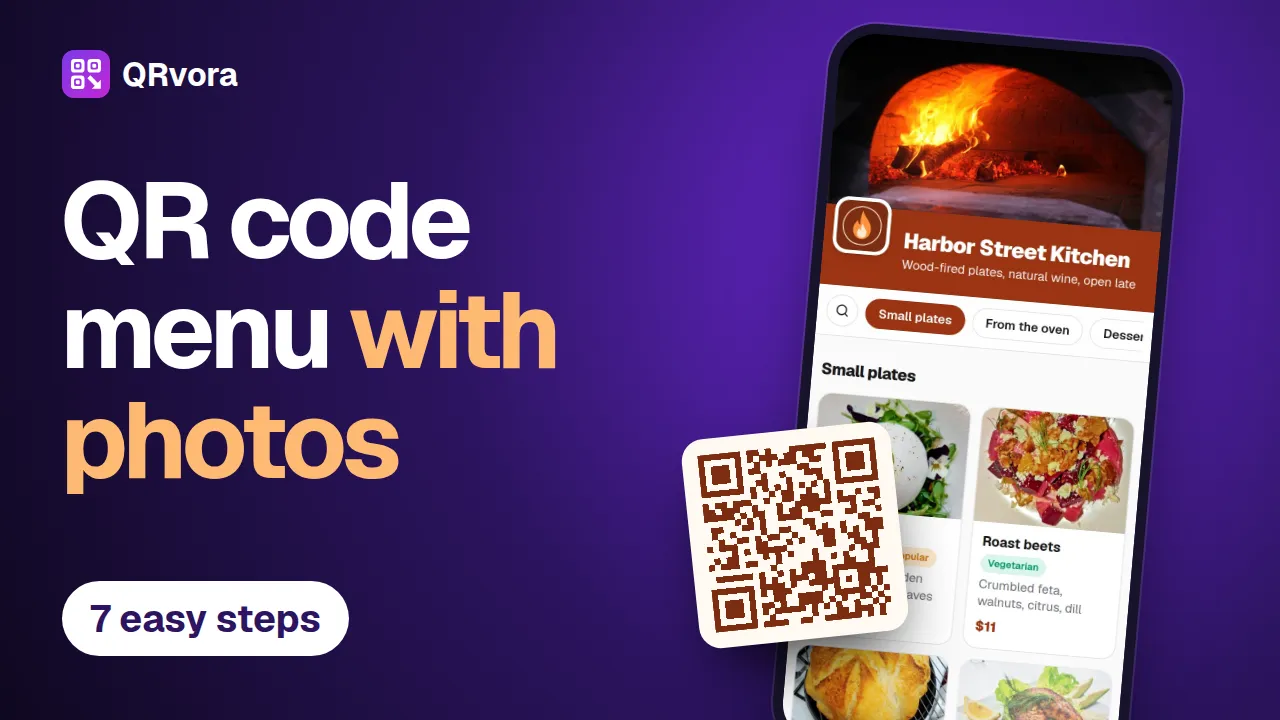 3:13Menus and restaurantsMake a QR code menu with photosBuild a restaurant menu in seven steps, from an empty account to a printed table card: dishes, photos, prices, tags, your branding and a QR code that's ready to print.
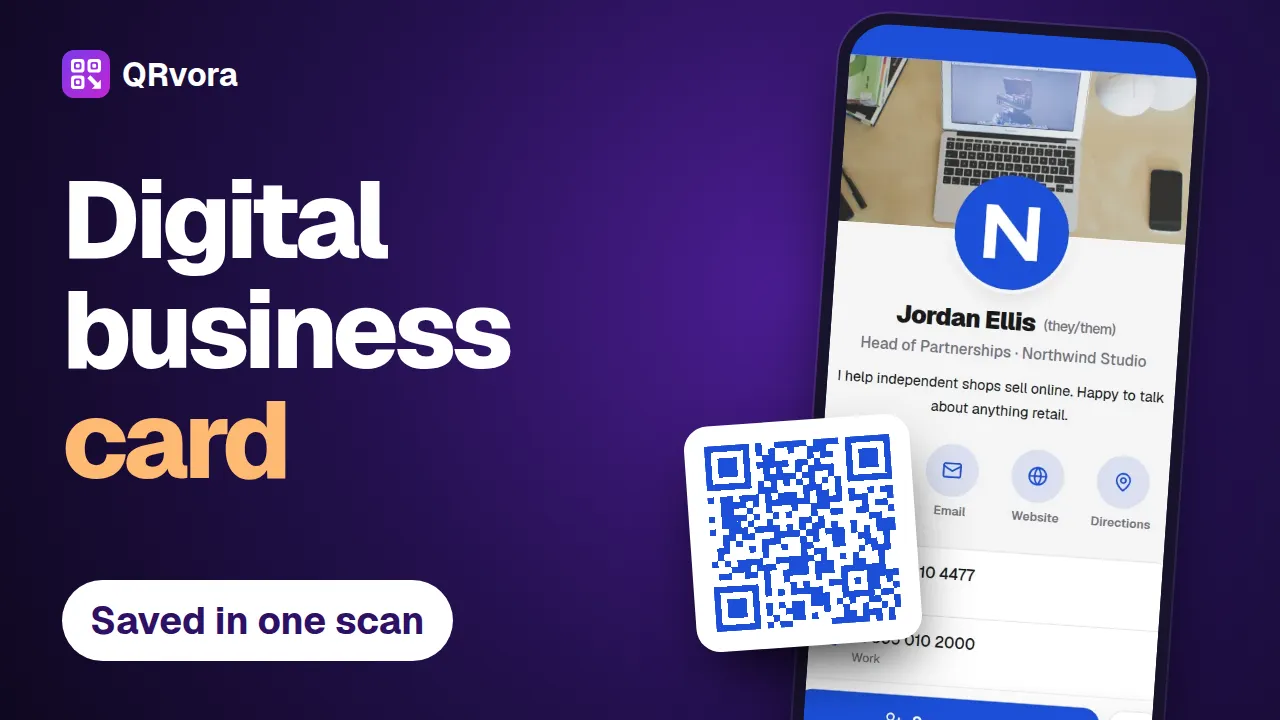 2:56Business cards and contactsMake a digital business card with a QR codeBuild a digital business card in seven steps, put the QR code on your printed card, and let people save your details to their phone with one scan.
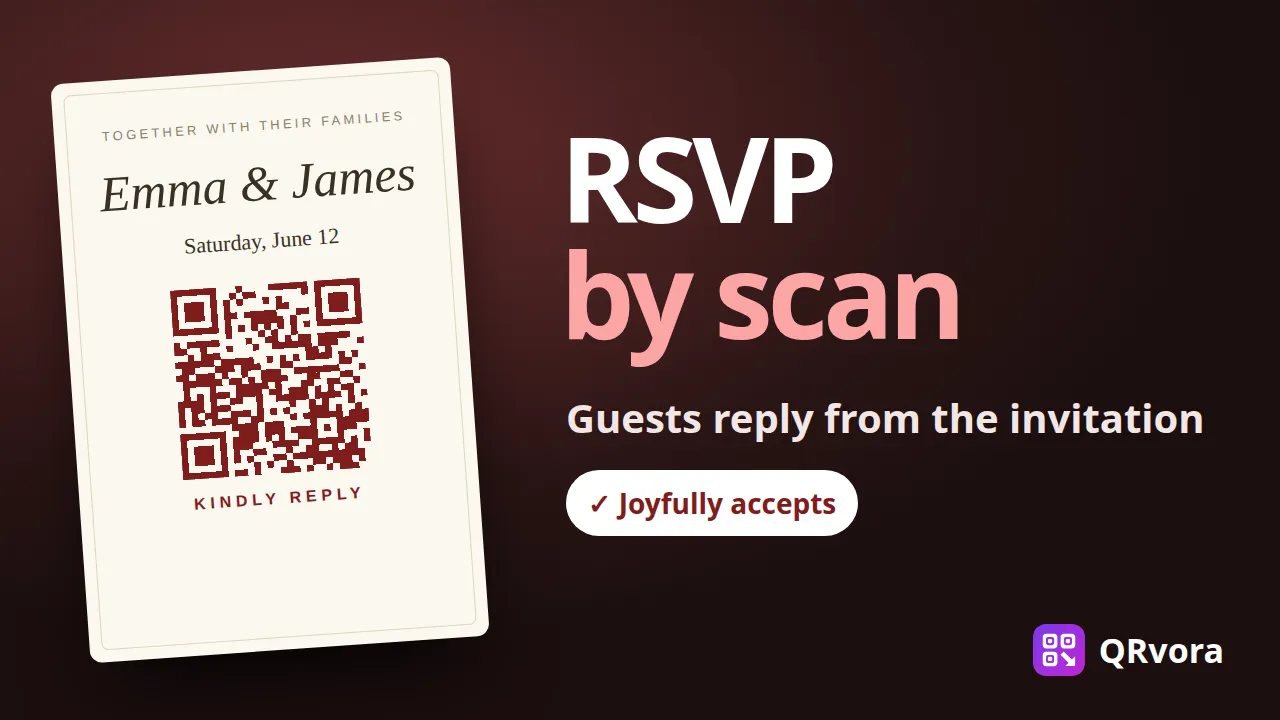 2:30Weddings and eventsMake a wedding RSVP QR codePut a QR code on your wedding invitations. Guests scan it, see your invitation and reply in a few taps, and every answer lands in one list you can download for your venue.
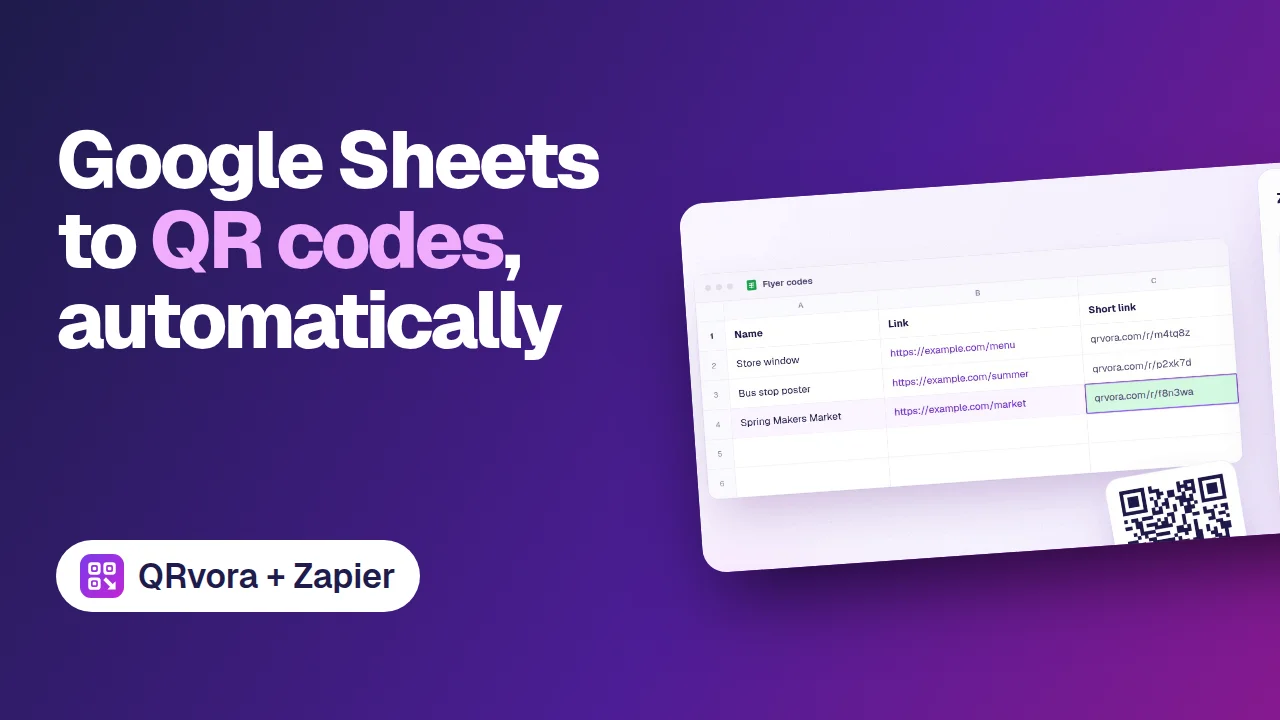 0:40AutomationGoogle Sheets to QR codes, automaticallyAdd a row to a Google Sheet, and Zapier creates a dynamic QR code for it in QRvora, then writes the short link back into the row.