Wedding RSVP QR code generator
Print one QR code on your invitations or save-the-date cards. Guests scan it and see your invitation: the date, the venue with directions, the day's details and an add-to-calendar button. They reply in a few taps, and their answers arrive in your dashboard, ready to download for your venue.
Needs a free account. One dynamic code included free.
Complete the content
Wedding RSVP QR code
Your invitation online behind the code on your cards: date, venue and directions, and guests reply in a tap. You see who's coming.
- ✓ Hosted mobile page + scan analytics
- ✓ Edit anytime after printing
- ✓ 1 dynamic code free, active for 12 months
No credit card required
Download your QR
Static codes never expire. The link lives in the pattern, so there's nothing to switch off. No account needed.
For scan analytics and editable links, see plans.
What happens when someone scans it
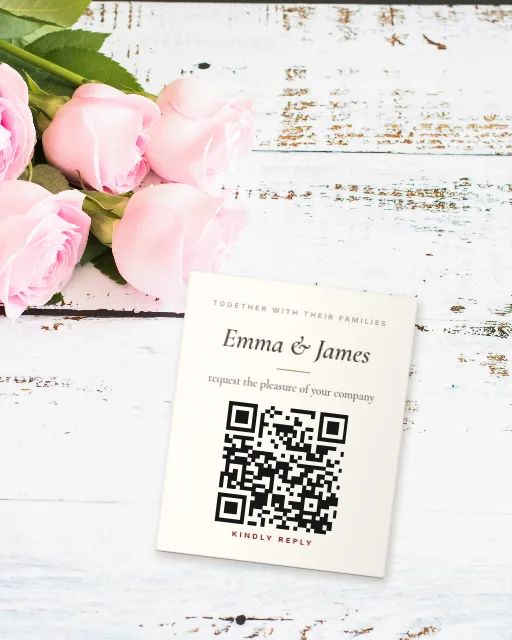
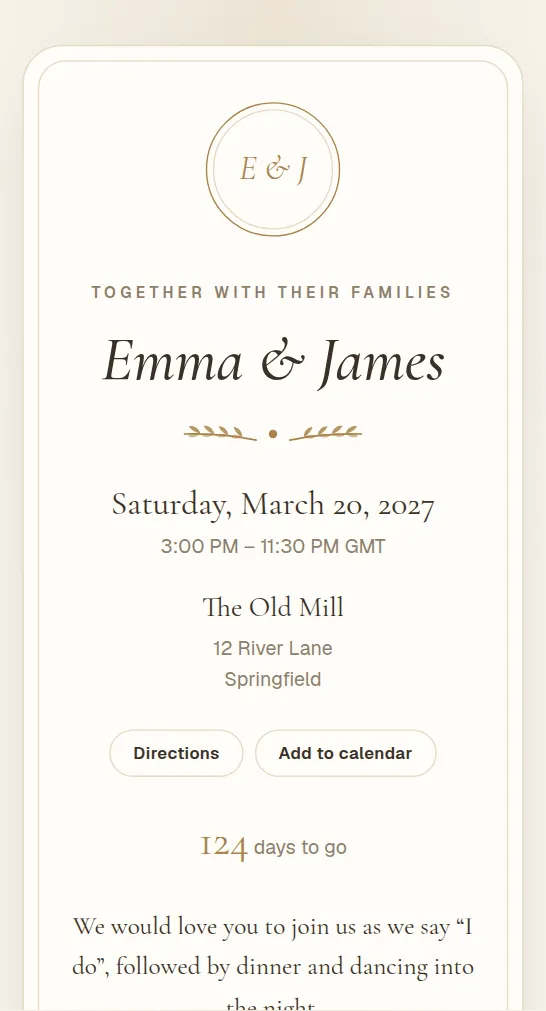
Watch: Make a wedding RSVP QR code
Put a QR code on your wedding invitations. Guests scan it, see your invitation and reply in a few taps, and every answer lands in one list you can download for your venue.
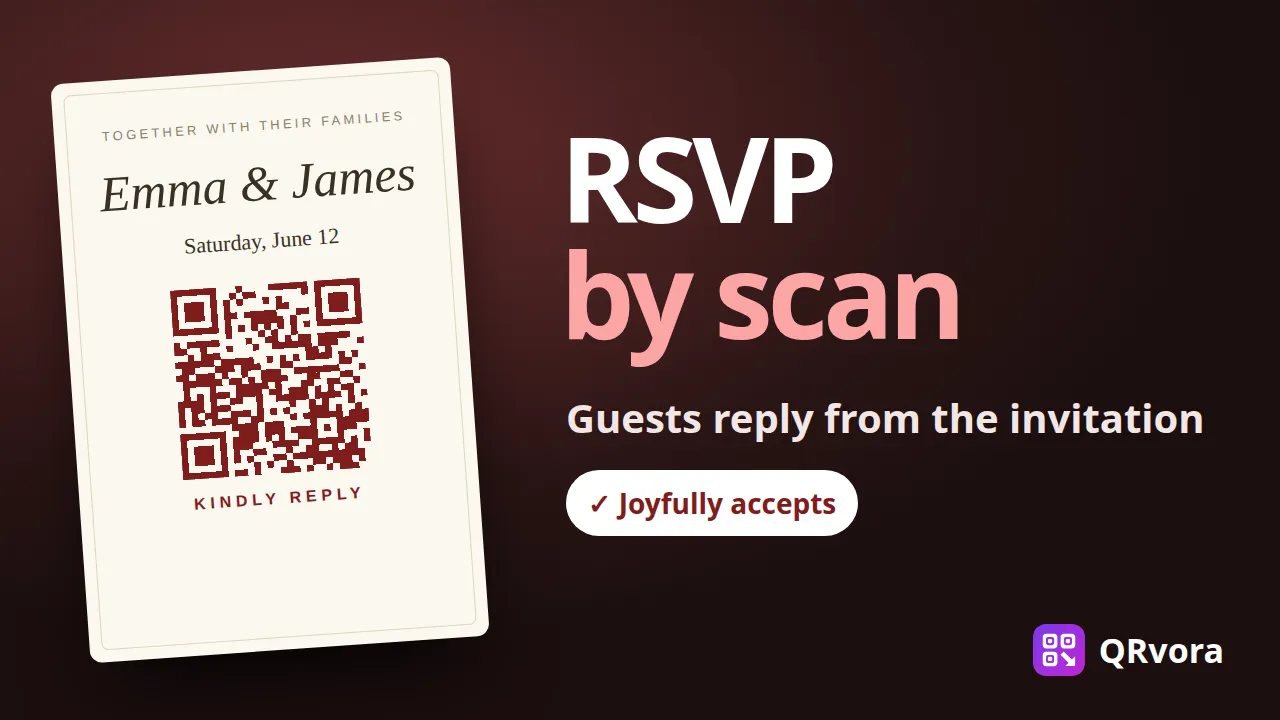
Replies, without the chasing
Guests tap Joyfully accepts or Regretfully declines, add how many are coming, a meal choice and a note. You see the totals and the full list as replies come in.
An invitation that looks the part
Elegant lettering, your initials or a photo, and four palettes: ivory and gold, blush, sage or midnight. It reads like a printed card, on any phone.
Change details after printing
New start time, a different venue, parking notes? Update the page and every printed card shows the change. Close replies or set a reply-by date whenever you like.
Common questions
Do guests need an app?+
No. Any phone camera opens the invitation in the browser, and the reply form works there too.
Can a guest change their reply?+
Yes. If they reply again from the same phone with the same name, their earlier answer is updated rather than counted twice.
Can I download the guest list?+
Yes. Download every reply as a spreadsheet with names, party sizes, meal choices, dietary needs and messages, for your venue or caterer.
Is it free?+
Yes, you can make a wedding RSVP page on the Free plan. A free dynamic code stays active for 12 months, plenty for most weddings. Paid plans keep codes active for as long as you subscribe.